
- Home
- /
- BrioMeet
Brio's Own Video Conferencing Platform: BrioMeet
Powerful Conferencing Platform for Seamless Meetings
BrioMeet is a Made-in-India AI-powered video conferencing software for Android, iOS, Mac, Windows & Linux platforms. It comes with AES 128 GCM encryption, which makes it secure, reliable, and highly practical.

Video Conferencing with Real Impact
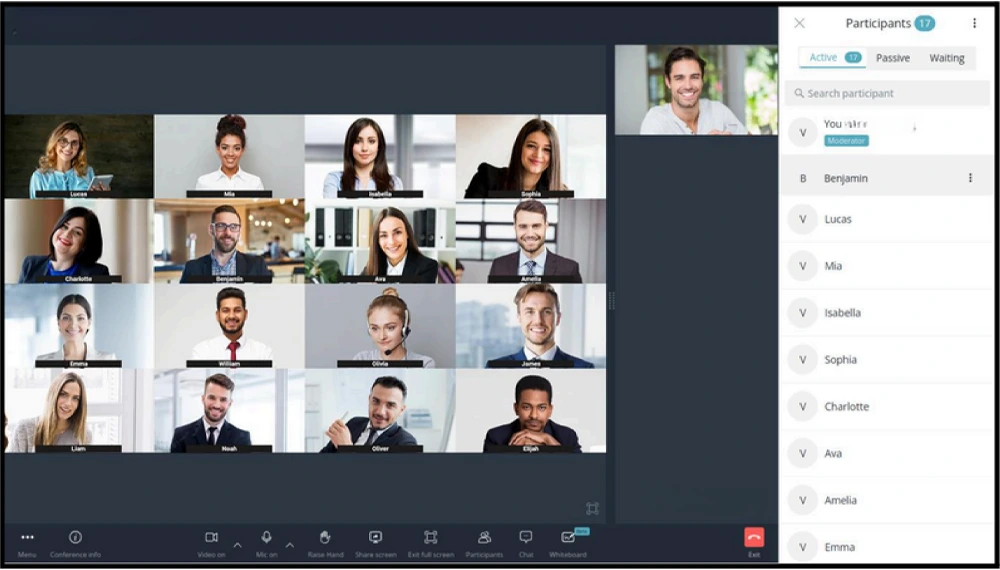
All-in-One Platform for Smart Video Conferencing
Smarter Meeting Solutions
BrioMeet is a smart AI-powered online conferencing software designed to meet diverse communication and collaboration needs across businesses, institutions, and remote teams.
BrioMeet Education
Practical and Engaging Online Education Solution

BrioMeet Corporate
Enterprise Grade Remote Meeting Solution
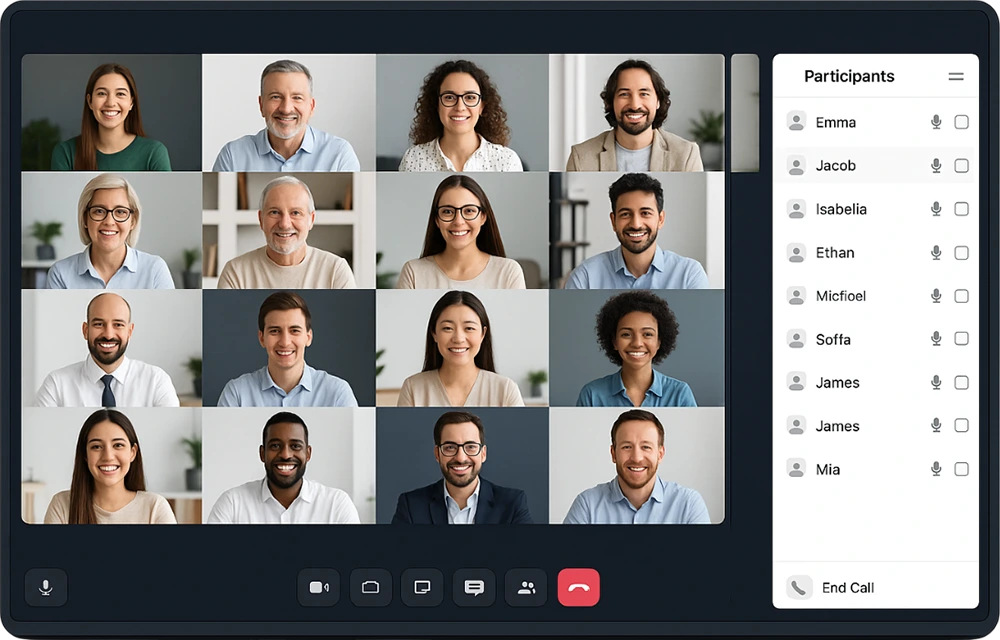
Core Features That Make BrioMeet Stand Out
It is a video conferencing platform that comes with powerful features designed to simplify communication and promote collaboration. It provides secure and high-quality virtual meetings for teams of all sizes.
AI-Powered Features
Real-time transcription (speech-to-text), translation support for multilingual meetings, noise suppression, and background blur to improve your meeting experience.
Participant Controls
Host up to 1000 participants in a single conference with role-based access (Admin, Moderator, Participant). It includes raise hand, reactions, and chat features to keep everyone engaged.
Smart Collaboration
Share your entire screen or a single window in real-time. Includes built-in collaboration tools and allows easy file sharing during meetings.
Schedule Meetings in Advance
Schedule meetings in advance with ease, send invites to your team, set helpful reminders, and keep everyone organized, and always on time.
Seamless Integration
Integrates easily with LMS, ERP, and custom APIs, and also supports SIP and H.323 protocol. This smart Online conferencing platform works on the web, Android, iOS, and desktop.
Analytics & Reports
Provides detailed usage reports, participant logs, along with real-time diagnostics and quality monitoring. Also includes a dashboard to track collaboration metrics.
Explore BrioMeet’s Top Benefits for Smarter Virtual Meetings.
Superior Video Clarity
Crystal-clear and high-definition video with optimized bandwidth and low latency for a smooth and natural experience.
Meeting Management
Schedule, host, and manage online meetings with custom meeting URLs, branded meeting rooms, and simple moderator controls.
Screen Sharing
Share your entire screen or specific applications in real-time for clear, seamless collaboration and presentations.
Record Classes
Easily record classes in high-quality with one click, allowing easy playback for future reference, training, and detailed review.
Share both your screen and video seamlessly.


Easily share files and safely exchange messages.
Raise hands for Better Interaction


Make Notes Easily During Your Online Meetings
What makes BrioMeet more secure, faster & reliable than others?
Enhanced Protection With AES 128 GCM Encryption


Reliable Performance: MCU-Based Architecture Combined With Embedded SFU
Smooth, High-Quality Video with H.264/MPEG-4 AVC Compression Protocols


Adaptive Video Quality: Auto-Adjusting Quality Based On Client Bandwidth
Make Meetings Simpler with BrioMeet, the Ultimate Conferencing Platform
If you want to save time and make meetings more productive, try the best video conferencing software for businesses today.
What Our Clients have to Say
GOOD Based on 156 reviews
 Posted on Google
 Saptarshi Roy
Trustindex verifies that the original source of the review is Google.
The demo seems affective overall excellencePosted on Google SACHIN GiriThis installations panel completed working finePosted on Google
 Leeon JohnGreat installation experience with Brio Bro NIKHILPosted on Google
 Amit KumarThe displays are crystal clear and super responsive. Perfect for meetings and classrooms. Support staff is friendly, quick to help, and really know their stuff.Posted on Google
 Milan VanzaraAll installation done with panel , and function working good , and smart board good with touch smooth and allPosted on Google
 Deepak ChaudharyNice productPosted on Google
 Info XaviersGrate
Frequently Asked Questions
Clear answers to common conferencing platform questions, covering features, security, setup, compatibility, meeting controls, and everyday business use.
1. What makes BrioMeet different from Zoom or Google Meet?
2. Can Briomeet be used for classroom teaching and online education?
Yes, our video conferencing platform is ideal for schools and colleges. It includes participant control, screen sharing, and smart collaboration tools for interactive virtual meetings.
3. Does BrioMeet work with non-Brio devices like laptops or tablets?
4. What AI-powered features are available in this video conferencing software?
BrioMeet uses AI for auto-transcription, smart note-taking (via Intellinote), speaker recognition, and intelligent screen focus during virtual meetings.
5. Is BrioMeet suitable for corporate board meetings?
Yes, our online conferencing software offers secure login, user authentication, integration with calendars, and analytics reports to support professional meetings.
6. How secure is BrioMeet for sensitive business discussions?
BrioMeet ensures end-to-end encryption, data compliance (GDPR-ready), and admin-level control for secure, private communications.
7. Can I schedule, host, and manage meetings from one dashboard on Briomeet?
Yes, BrioMeet’s centralized dashboard allows full meeting management—from scheduling and invitations to post-meeting analytics.
8. Does BrioMeet support multiple presenters and breakout rooms?
Yes, with our online conferencing software, you can assign multiple hosts, run breakout sessions, and manage participants with customized access levels.
9. Is any installation required to use BrioMeet on my system?
No installation is needed for browser access, but optional apps are available for desktops and mobile for enhanced features.