
Best 4K Web Camera with Mic for Conferencing
Professional video and audio for every meeting
Next-Gen Video Conferencing Solutions
Cutting-edge tools for seamless high-quality video meetings
Effortless Setup and Connectivity
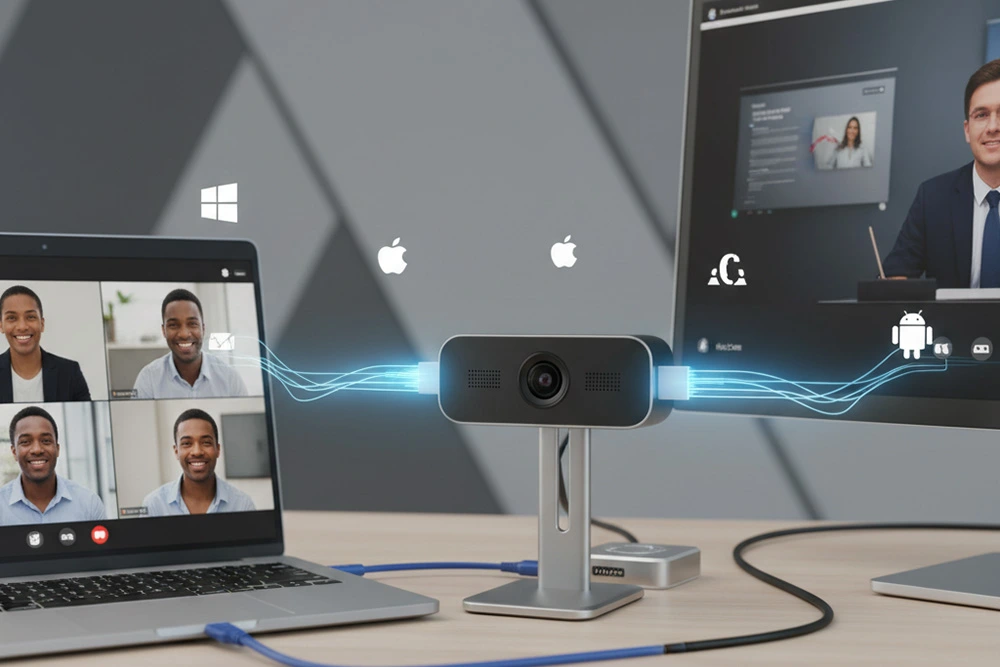
Plug and play setup with universal device compatibility
Enhanced Collaboration with AI
Boost teamwork using AI-powered insights and automation
Versatile Web Cameras for Every Space
Flexible webcams suitable for offices, homes, and classrooms
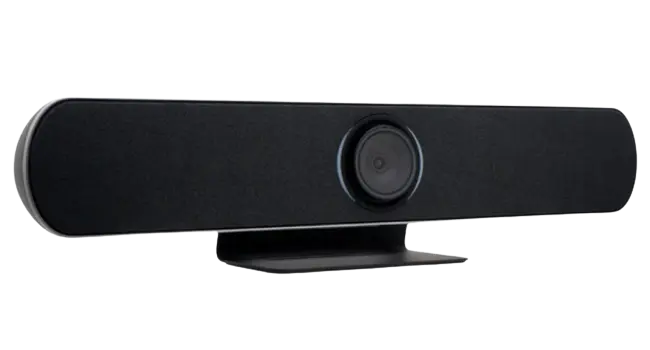
4K All-in-One USB Video Bar
AI-powered video bar for crystal-clear conferencing experiences
Key Features
Unified Conferencing Solution
Dynamic Presenter Tracking
4K UHD Precision
Smart Gallery Display
AI Group Framing
Beamforming Audio Pickup
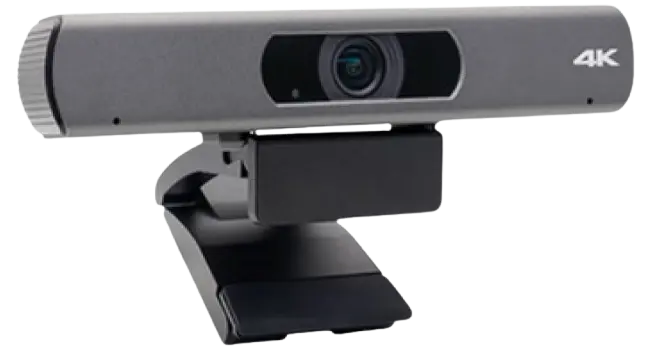
4K Business Webcam
Professional 4K HD web camera with dual lens options for clarity
Key Features
4K UHD Imaging
USB 3.0 Interface
84°/120° Lenses
AI Auto Framing
Built-in Microphone
8× Digital Zoom
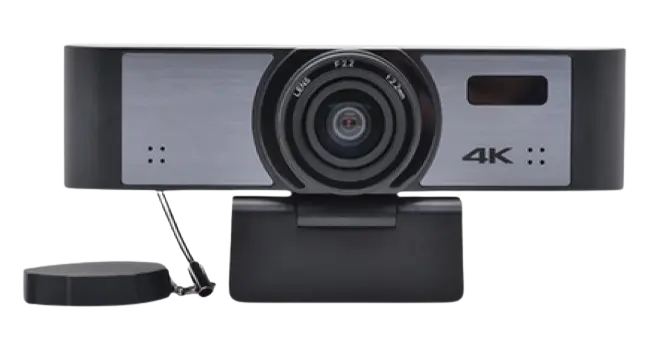
4K USB Webcam
AI-powered 4K HD web camera for efficient remote collaboration
Key Features
4K Ultra HD
USB 3.0 Interface
120° Wide-Angle
AI Humanoid Tracking
Microphone Array
Automatic Gain Control
Choose the Right 4K Web Camera
| Feature | 4K Business Webcam | 4K USB Webcam | 4K All-in-One Video Bar |
|---|---|---|---|
| Best For | Personal offices & huddle rooms | Training rooms & presenter tracking | Small to medium conference rooms |
| Camera Sensor | 1/2.5″ CMOS, 8.29MP | 1/2.7″ CMOS, 8.29MP | 1/2.5″ CMOS, 8.51MP |
| Maximum Resolution | 4K@30fps | 4K@30fps | 4K@30fps |
| Field of View | 84° or 120° | Fixed 120° | 121° |
| Auto Focus | Yes (84° model) | No | AI Auto Framing |
| Digital Zoom | 8× | EPTZ | 5× Digital Zoom + EPTZ |
| AI Auto Framing | Yes | Yes | Yes |
| AI Speaker Tracking | No | Yes (Humanoid Tracking) | Yes |
| AI Group Framing | Basic | Advanced | Advanced |
| Smart Gallery View | No | No | Yes |
| Microphone Technology | Dual Digital Microphones | Beamforming Microphone Array | Beamforming Microphone Array |
| Voice Pickup Distance | 6m | 6m | 6m (Expandable) |
| Built-in Speaker | No | No | Full-Range Speaker |
| Microphone Expansion | No | No | Supports 3 PoE Array Microphones |
| Connectivity | USB 3.0, Optional HDMI | USB 3.0 Type-C | USB 3.0, USB 2.0, HDMI, Bluetooth, RJ45 |
| Bluetooth Support | No | No | Yes |
| Remote Control | No | Yes | Not Specified |
| Operating Systems | Windows, macOS, Linux, Android | Windows, macOS, Linux, Android | Windows, macOS, Linux |
| Installation Flexibility | Display Mount | Display Mount | Table, Wall, Display Mount |
| Audio Equipment Required | External Speaker Needed | External Speaker Needed | No Additional Audio Equipment Needed |
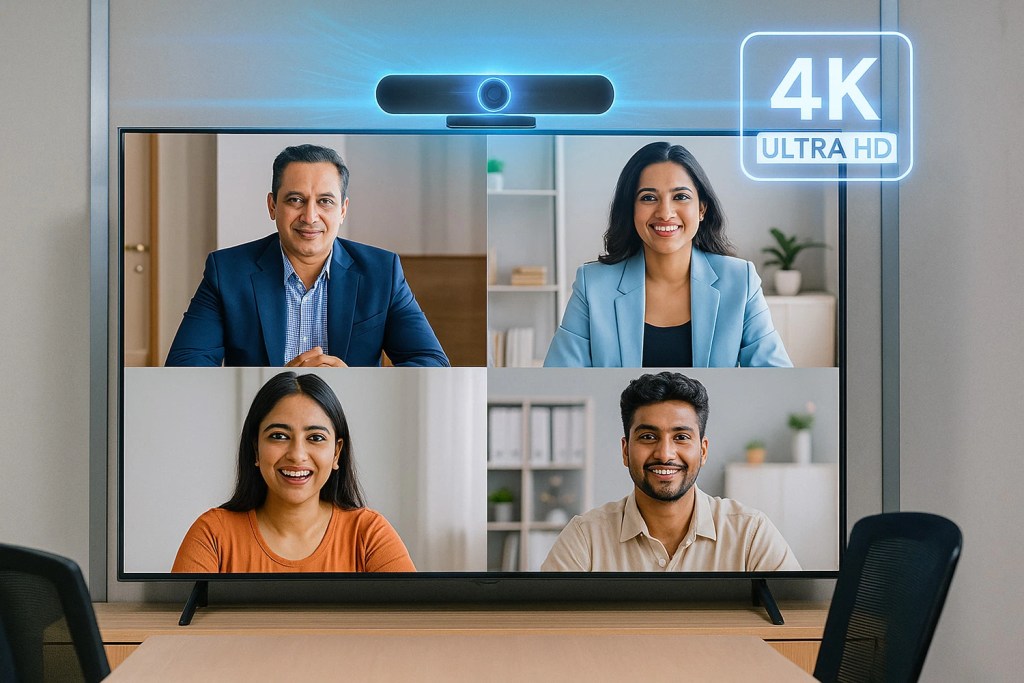
Crystal-Clear 4K Resolution
AI Humanoid Tracking Technology

Low-Light Image Enhancement
AI Auto Group Framing
120° Ultra-Wide Coverage
Intelligent AI Enhancements
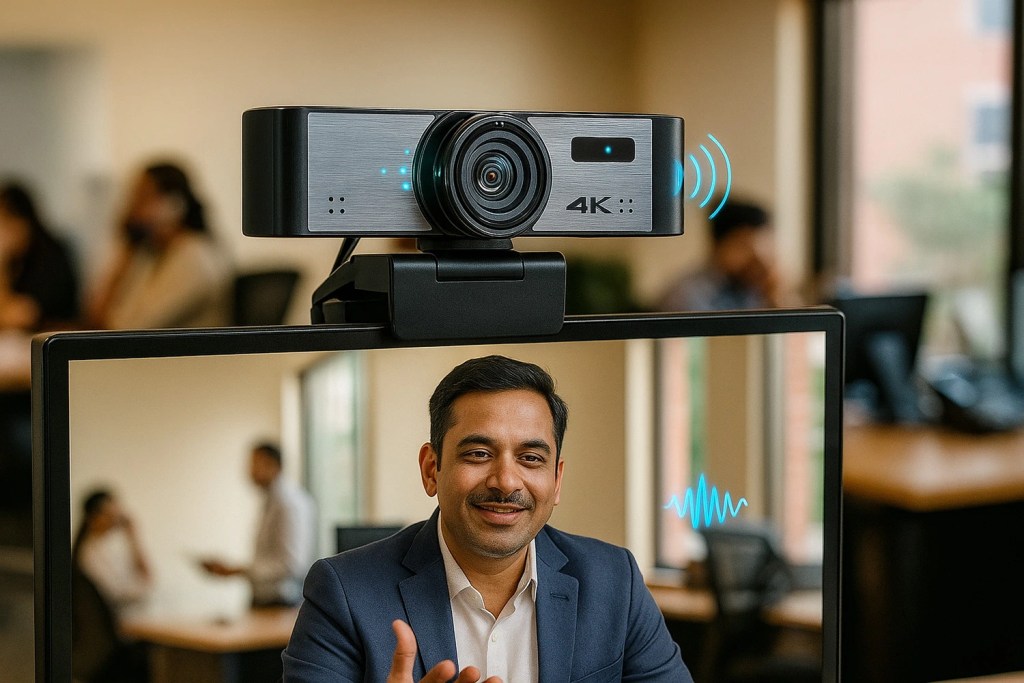
Beamforming Audio Technology
Effortless Connectivity Options
Applications Across Industries
Virtual Meetings
Enables professional video communication for remote teams, clients, and stakeholders.
Online Teaching
Supports interactive virtual classrooms with clear video and reliable audio capture.
Webinar Hosting
Delivers high-quality video streaming for webinars, workshops, and presentations.
Hybrid Learning
Enhances student engagement by capturing instructors clearly during blended education.
Content Creation
Produces professional-quality video for streaming, recording, and digital content production.
Telemedicine Consultations
Facilitates secure virtual healthcare interactions with clear visual communication.
Why Choose Our Web Camera?
Experience crystal-clear visuals, superior audio, and sleek design with a reliable HD web camera with mic and speaker for professional and personal use.
Crystal Clarity
Enjoy high-definition visuals for professional video calls and clear virtual interactions.
Easy Integration
Compatible with multiple platforms and devices for smooth, plug-and-play setup.
Reliable Performance
Delivers stable connectivity and consistent output for uninterrupted communication every time.
What Our Clients have to Say
Hear directly from satisfied customers across India whose success stories showcase the impact of our USB conference cameras.
GOOD Based on 156 reviews
 Posted on Google
 Saptarshi Roy
Trustindex verifies that the original source of the review is Google.
The demo seems affective overall excellencePosted on Google SACHIN GiriThis installations panel completed working finePosted on Google
 Leeon JohnGreat installation experience with Brio Bro NIKHILPosted on Google
 Amit KumarThe displays are crystal clear and super responsive. Perfect for meetings and classrooms. Support staff is friendly, quick to help, and really know their stuff.Posted on Google
 Milan VanzaraAll installation done with panel , and function working good , and smart board good with touch smooth and allPosted on Google
 Deepak ChaudharyNice productPosted on Google
 Info XaviersGrate
Frequently Asked Questions
A web camera is a digital device that captures video and images for online communication, streaming, and recording. It connects to computers or laptops to support virtual meetings, online classes, live broadcasting, and real-time visual interaction across different platforms.
A web camera improves communication quality with sharp visuals and clear audio. It helps remote teams collaborate smoothly during virtual meetings, webinars, and online presentations while reducing background noise and improving overall professionalism.
A full HD web camera with microphone and speaker delivers synchronized audio and video performance for seamless communication. Built-in features reduce the need for extra devices, making online meetings, classes, and conferencing setups more convenient and efficient.
Important features include HD video resolution, noise-cancelling microphones, wide-angle lenses, autofocus, and compatibility with conferencing platforms. These features ensure better visibility, clearer sound, and smoother communication during virtual meetings and online collaborations.
Yes, they are ideal for hybrid workplaces because they enable high-quality virtual interaction between remote and in-office employees. Advanced web cameras help teams stay connected with clearer visuals and improved meeting engagement across locations.
Clear audio quality reduces misunderstandings and communication delays during online meetings. A webcam with advanced microphone technology captures voices accurately, helping participants stay focused, collaborate effectively, and maintain productive conversations without frequent interruptions.
Yes, it is excellent for online teaching because it offers clear visuals and balanced sound. Teachers and students benefit from better interaction, smoother lessons, and improved communication throughout virtual classrooms.
Professional conferencing webcams should ideally support Full HD or 4K resolution for sharper visuals. Higher resolution improves video clarity during presentations, client meetings, and webinars, helping users appear more professional in virtual communication environments.
Most modern web cameras offer plug-and-play installation. Users can quickly connect them through USB ports without complicated software, making them ideal for offices, remote workstations, and home conferencing setups.
Yes, our conferencing webcams include noise-reduction technology that filters unwanted sounds during calls. This feature improves voice clarity, minimizes distractions, and creates a more professional meeting environment for remote teams and client communications.
Upgrade Your Meetings with Briotouch Crystal-Clear Web Camera with Mic.
Enhance presentations, live events, and virtual collaborations with advanced video conferencing cameras featuring high-resolution imaging, low-light optimization, and intelligent framing