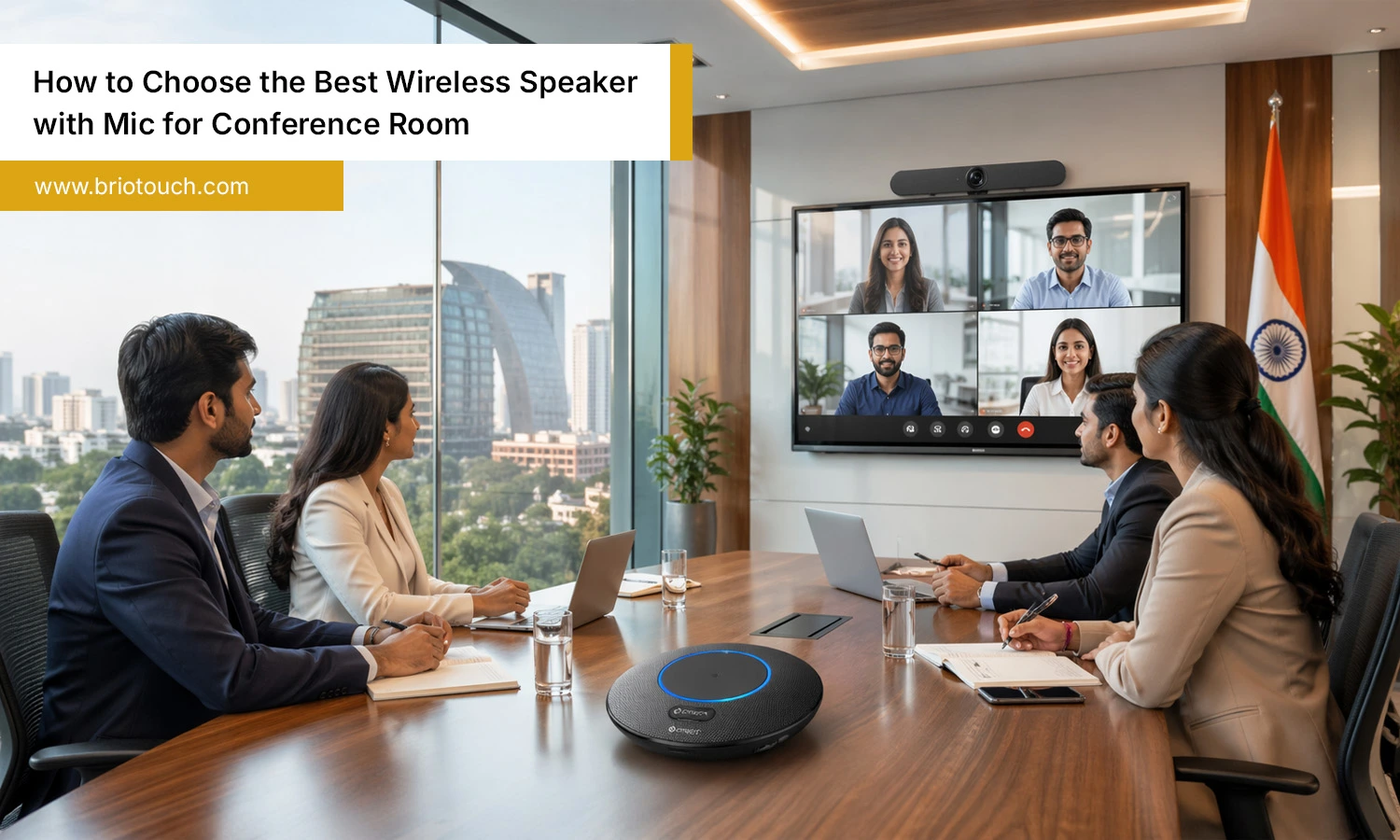
Poor meeting audio can ruin momentum fast. When people keep saying, “You’re breaking up,” everyone gets frustrated. A few minutes of bad sound can waste time, lower focus, and slow decisions. That is why choosing the right wireless speaker with mic for conference room use matters more than ever. Modern meetings include remote teams, clients, and quick online discussions. Clear communication is essential. A quality device helps everyone hear better, speak naturally, and stay engaged. It also reduces cable clutter and creates a cleaner workspace. This guide will help you choose the best option without wasting money or effort.
Table of Contents
Also Read: What Is a Web Camera? Everything You Need to Know
Key Features to Look For in a Wireless Speaker with Mic for Conference Room
Not all conference speakers perform the same way. Before buying a wireless speaker with mic for conference room, focus on features that improve real meeting experiences, not just flashy specs.
1. Clear Audio Quality
Audio quality should be your first priority because meetings depend on clear conversations. Voices should feel clear, natural, and easy to understand, with no distorted sound. When voices sound unclear or robotic, people tend to lose attention fast. Good sound quality also reduces the need to repeat points during calls. Choose a device designed for voice communication rather than music alone. Look for these features:
- Speech-focused tuning
- Distortion-free sound at higher volume
- Balanced bass and treble
- Clear voice reproduction
- Consistent sound across the room
Strong audio quality creates smoother meetings and better communication every day.
2. Strong Microphone Pickup
A good microphone should capture voices from everyone in the room, not only those sitting closest. This is especially important during group discussions where multiple people speak from different angles. Weak microphone pickup causes missed words, awkward repetition, and frustrating delays. For better performance, choose devices built for meeting spaces rather than personal use. Look for:
- 360-degree microphone pickup
- Multi-microphone arrays
- Wide voice capture range
- Smart voice enhancement
- Stable performance in larger rooms
Strong microphone pickup helps remote participants hear every speaker clearly and keeps conversations flowing naturally.
3. Noise Reduction
Most offices are not silent, and background noise can easily distract people on calls. Keyboard clicks, air conditioners, hallway voices, fans, and traffic sounds often interfere with conversations. A speaker with effective noise reduction filters unwanted sounds and keeps voices clear. This creates a better experience for remote team members and clients. Look for models with advanced sound processing that focuses on speech. Helpful features include:
- Background noise filtering
- Voice isolation technology
- Automatic sound balancing
- Cleaner voice output
Noise reduction makes meetings sound more professional and less stressful for everyone involved.
4. Echo Cancellation
Echo can make meetings frustrating within seconds. When voices bounce back through the speaker, conversations become confusing and people start talking over one another. Strong echo cancellation removes feedback and creates a smoother call experience. This feature is especially useful in rooms with hard walls, glass surfaces, or open layouts where sound reflects easily. A reliable wireless speaker with mic for conference room should include built-in echo control. Benefits include:
- Clear two-way communication
- Less interruption during calls
- Better focus for participants
- More natural conversations
Good echo cancellation improves overall meeting quality immediately.
5. Easy Connectivity
Nobody likes wasting the first ten minutes of a meeting fixing connection issues. It happens more often than it should, and it can kill the mood before the discussion even starts. Easy connectivity makes everything smoother. Teams can join calls quickly using laptops, phones, or tablets without confusion. Bluetooth is convenient, but having extra options is always a smart backup. Look for features such as:
- Bluetooth pairing
- USB-C connection
- USB dongle support
- Wired backup mode
- Fast device switching
More connection choices give busy offices greater flexibility. A dependable wireless speaker with mic for conference room should connect fast and work smoothly.
6. Battery Life
Battery life is one of those things people ignore until it becomes a problem. Then suddenly, the speaker dies right in the middle of an important call, and everyone is waiting while someone looks for a charger. Not ideal. If your office handles regular meetings, choose a device that can last through the day without needing constant charging. Useful things to look for include:
- 8 hours minimum for normal use
- 10 to 12 hours or more for heavy daily use
- Fast charging support
- Battery level indicators
Strong battery performance keeps meetings smooth and makes the speaker easier to carry between rooms.
7. App Compatibility
A conference speaker should work with the apps your team already uses every day. If it does not, small issues start showing up fast—failed connections, missing controls, audio glitches, or extra setup steps nobody has time for. It is better to check compatibility before buying than regret it later. Choose a device that works well with popular meeting platforms such as:
- Zoom
- Microsoft Teams
- Google Meet
- Webex
- Skype
A reliable wireless speaker with mic for conference room should connect smoothly with common business tools. Better compatibility means quicker meetings, fewer interruptions, and less time dealing with technical problems.
Choose the Right Wireless Speaker with Mic for Conference Room by Room Size
Many buyers ignore room size and later regret it. A speaker that works in one space may fail badly in another. Match the device properly.
Small Rooms (2–4 People)
Compact rooms need a simple and portable wireless speaker with mic for conference room use. Focus on practical features, not expensive extras.
- Basic 360° mic
- Good battery life
- Simple Bluetooth setup
Medium Rooms (5–10 People)
Medium rooms need stronger performance for group discussions. This category often offers the best balance of price and features.
- Better speaker volume
- Wider microphone range
- Strong noise cancellation
- Stable connectivity
Large Rooms (10+ People)
Large rooms need powerful hardware. Small devices often struggle here, causing weak audio and missed conversations during important meetings.
- Expansion microphones
- Higher volume output
- Longer pickup range
- Better echo reduction
Common Mistakes Buyers Make
Many people buy in a hurry and realize the problem only after the first few meetings. A little care before buying can save money, time, and unnecessary frustration later.
- Buying Only by Price: The cheapest option can look tempting, especially when several models seem similar. But low-cost devices often cut corners on microphone quality, battery backup, or durability. What feels like a bargain today may lead to regret later.
- Ignoring Room Size: This mistake is more common than people admit. A small speaker placed in a large meeting room usually struggles. People sitting far away may not be heard clearly, and volume can feel underpowered too.
- Forgetting Compatibility: It sounds basic, but many buyers skip this check. Always confirm the speaker works well with Zoom, Teams, Google Meet, or the software your office uses. It saves a lot of trouble later.
- Choosing Music Speakers: Some people assume a loud music speaker will work for meetings too. Not always. Music devices focus on entertainment sound, while conference speakers are built for voices and clearer conversations.
- Ignoring Warranty Support: Nobody thinks about support when the product is brand new. But if something fails after regular use, a proper warranty and quick service can make a big difference.
Conclusion
At the end of the day, the right wireless speaker with mic for conference room should simply make meetings easier. People should hear clearly, speak without repeating themselves, and stay focused on the discussion instead of technical problems. Think about your room size, how often the device will be used, and what platforms your team relies on. Paying a little more for dependable quality often saves stress later. Good meeting audio may seem like a small thing, but it changes the flow of work. Choose well now, and future meetings will feel much smoother.
If meetings are important to your business, consider the best wireless speaker with mic for conference rooms from Briotouch.
Frequently Asked Questions
Q1: Which wireless speaker with mic for conference room is best?
The best choice depends on room size, daily meeting needs, and software compatibility. Prioritize clear sound, strong microphone pickup, easy setup, and dependable long-term performance.
Q2: How many people can one device cover?
Coverage depends on the model. Smaller devices suit 2–4 people, while advanced conference speakers can comfortably handle medium rooms or larger groups with ease.
Q3: Can I use a portable model in a boardroom?
Yes, but only if the portable model offers enough speaker volume, microphone range, and sound clarity to cover the full boardroom properly.